Import recipes from anywhere — photos, PDFs, URLs
Stop retyping recipes from cookbooks and screenshots. Snap a photo, paste a link, upload a PDF, or save with one click from the Chrome extension.
Sound familiar?
“I have 50 recipes bookmarked in my browser and no way to get them into a recipe app without retyping.”
Paste the URL and MealHuddle extracts the recipe automatically — title, ingredients, steps, and all.
“My grandma’s recipe is on a handwritten card. I can’t import that anywhere.”
Snap a photo of any recipe — handwritten cards, cookbook pages, magazine clippings — and the import pulls it all in.
“I tried importing from a cooking blog but it grabbed the life story, not the recipe.”
MealHuddle’s import is smart enough to extract just the recipe, not the 2,000-word preamble.
“I’m switching from Paprika and I don’t want to lose 200 recipes.”
Import your entire library from Paprika, Mealie, or Plan to Eat. Upload the export file and everything transfers — photos, nutrition data, and all.
Here's how MealHuddle helps
Photo import for cookbooks and cards
Take a photo of a cookbook page, a recipe card, or a magazine clipping. MealHuddle reads the image and creates the recipe with ingredients and steps.
URL import that skips the blog post
Paste any recipe URL and get just the recipe — not the SEO filler. Works with thousands of cooking sites and blogs.
Chrome extension for one-click saving
Install the Chrome extension and save recipes from any website without leaving the page. Click the icon, preview the recipe, and add it to your library in one click.
PDF upload for saved recipes
Upload a PDF recipe — whether it’s a downloaded cookbook page or a family recipe saved as a file — and the importer extracts it all.
Migrate from other apps
Switching from Paprika, Mealie, or Plan to Eat? Upload your export file and your entire recipe library transfers over — including photos and nutrition data.
See it in action
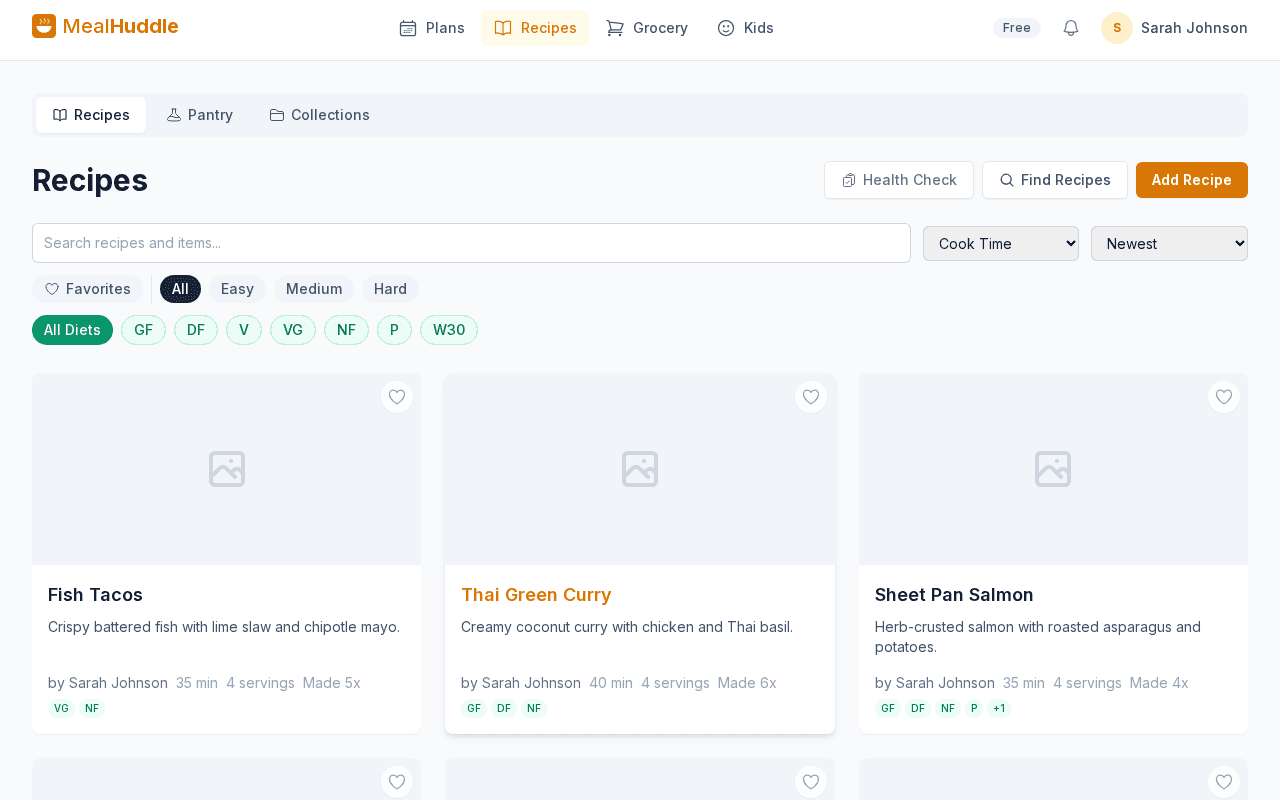
A real look at what meal planning looks like with MealHuddle.
Frequently asked questions
- Is recipe import free?
- Yes. Importing from URLs, photos, PDFs, and other apps is included in the free plan. No subscription required.
- How accurate is photo import?
- Very. The import reads text from photos of cookbook pages, handwritten cards, and screenshots, then structures it into a proper recipe with ingredients and steps.
- Which recipe apps can I import from?
- MealHuddle supports direct import from Paprika, Mealie, and Plan to Eat. Upload the export file from those apps and your recipes transfer automatically.
- Can I import from any cooking website?
- MealHuddle works with thousands of recipe sites. Paste the URL and the import extracts the recipe data, skipping ads and blog content.
Ready to try it?
MealHuddle is free for your whole household. Set up in under a minute and start planning meals together.
More solutions
Meal planning that actually works for families
Most meal planning apps were built for one person. MealHuddle was built for your whole household.
A grocery list that doesn’t lose your items
Auto-generated from your meal plan, organized by department, and synced in real time while you shop.
Free meal planning without the paywall tricks
A generous free tier that covers everything a household needs to plan meals, share recipes, and generate grocery lists.
Plan meals together, in real time
When someone adds a recipe, edits a meal, or checks off a grocery item, everyone in the household sees it instantly.
Let AI handle the meal planning
MealHuddle uses AI to suggest meals, generate recipes, guide you through cooking, and learn what your household loves.
Generate recipes from a description
Describe what you want to cook and get a complete recipe with ingredients, steps, and timing — in seconds.
A grocery list that thinks ahead
Auto-generated from your meal plan, organized by department, and smart enough to scan your receipts when you’re done.
Cook together, from anywhere in the kitchen
Start a live cooking session, check off steps as you go, and see who’s cooking and where they are in the recipe.
Turn any recipe into yours — instantly
Snap a photo of a cookbook, paste a URL, or upload a PDF. Smart import extracts the recipe and adds it to your library.