If you've ever arrived at the store only to realize your grocery list notepad is sitting on the kitchen counter, you already know the biggest problem with paper lists: they can't follow you everywhere.
For decades, the humble grocery list pad was the gold standard. Stick it on the fridge, scribble down what you need, tear off the sheet, and go. It works — until it doesn't. And for families juggling busy schedules, multiple shoppers, and ever-changing dinner plans, paper starts to show its limits fast.
So let's talk about it: paper vs. digital grocery lists, and what actually works best for real families.
The Case for Paper Grocery Lists
Let's give paper its due. There's a reason the grocery list pad has been a kitchen staple for generations:
- It's always visible. A notepad on the fridge catches your eye every time you walk by.
- No learning curve. Everyone in the house — from your teenager to your grandmother — knows how to write on paper.
- It feels satisfying. Crossing items off a physical list hits different. Science backs this up — the act of writing helps you remember things.
- No dead battery. Paper doesn't need charging, updating, or a Wi-Fi connection.
If you live alone and do all your own shopping, a paper list might be all you ever need. But the moment you add another person to the equation, things start to break down.
Where Paper Falls Apart for Families
Here's the thing about paper: it only exists in one place at a time.
That means if your partner stops at the store on their way home from work, they don't have the list. If your college kid is running errands and could grab a few things, they'd need you to text a photo of the notepad. If you add something to the list after someone already left to shop, they'll never see it.
The most common paper list problems families deal with:
- The forgotten list. You wrote everything down beautifully, then left it at home.
- The duplicate run. Two people both buy milk because neither knew the other was shopping.
- The mystery handwriting. Is that "rice" or "nice"? "Cumin" or "raisins"?
- The lost list. It fell out of your pocket, got wet in the rain, or the toddler drew on it.
- No history. Once you throw away last week's list, it's gone. Even though you buy the same 20 items every single week.
Sound familiar? This is where most families start looking for something better.
What a Digital Grocery List Actually Gives You
Switching to a digital list isn't just about having your list on your phone instead of paper. The real benefits go deeper than that:
Everyone sees the same list, in real time
This is the game-changer. When one person adds "eggs" to the list, everyone in the household sees it instantly. When someone at the store checks off bread, the person at home knows it's handled.
No more texting photos. No more "did you get the thing I told you about this morning?" No more duplicate trips.
You can add items from anywhere
Noticed you're out of olive oil while cooking dinner? Add it to the list from your phone. Saw a recipe that needs fresh basil? Add it from the couch. Your partner remembered you need dog food while at work? They can add it too.
A shared grocery list that lives in the cloud means the fridge door is no longer the only place ideas can land.
Your list builds itself over time
Most families buy roughly the same groceries every week. A digital system learns your patterns. Instead of writing "chicken breast, broccoli, garlic, soy sauce" from scratch every single week, you can pull from your history or generate a list from your meal plan automatically.
This is where a meal planning notebook approach meets grocery shopping — and where the real time savings kick in. If you're curious about setting up a weekly planning system, our guide on using a meal planning calendar walks through exactly how to do it.
You can organize by store section
Ever written a list in random order, then found yourself backtracking through the store three times? Digital lists can sort items by department — produce, dairy, meat, pantry — so you move through the store in one clean sweep.
The Hybrid Approach (and Why It Still Falls Short)
Some families try a middle ground: use the Notes app on their phone, or a shared Google Doc. It's better than paper, but it's still a general-purpose tool doing a grocery-specific job.
You'll still be:
- Typing every item manually
- Organizing the list yourself
- Managing separate lists for meals and groceries
- Missing out on features built specifically for household shopping
It's like using a screwdriver as a hammer. It technically works, but the right tool makes things a lot easier.
What to Look for in a Shared Grocery App
If you're ready to move beyond the grocery list notepad, here's what actually matters in a grocery app. (For a broader comparison of planning tools, our best meal planning apps guide covers how the top options handle grocery lists.)
Must-haves:
- Real-time sharing — Everyone in the household can view and edit the same list
- Check-off sync — When someone marks an item as bought, everyone sees it
- Department organization — Items grouped by store section for faster shopping
- Meal plan integration — Generate your grocery list from your weekly meals, not from memory
Nice-to-haves:
- An "already have it" feature for items you don't need to buy this week
- The ability to add items by name without creating a whole recipe first
- Price tracking so you know what you're spending
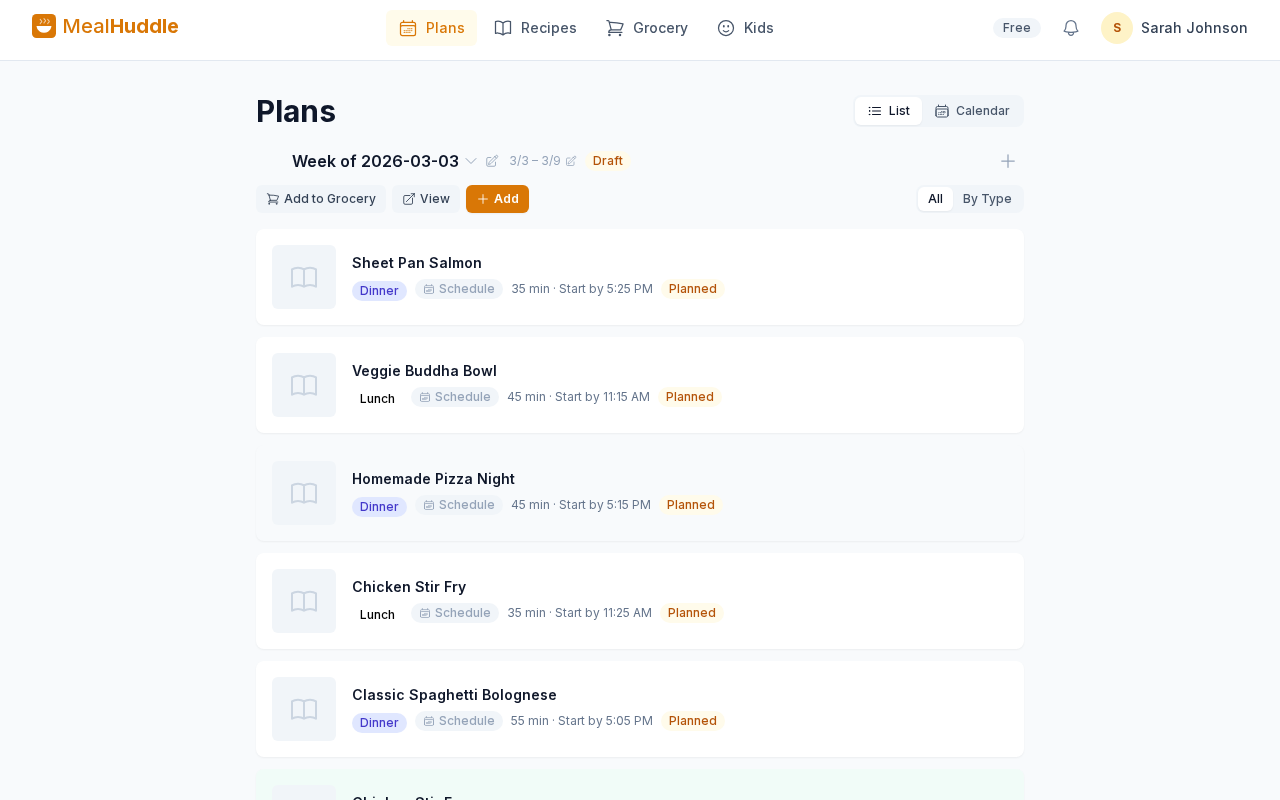
This is exactly the problem MealHuddle was built to solve. Your whole household shares one meal plan, and your grocery list generates automatically from the meals you've chosen. Everyone can check items off in real time, and the list is organized by department so you're not wandering the aisles.
Making the Switch: It's Easier Than You Think
You don't have to go cold turkey on paper. Here's a practical transition plan:
Week 1: Keep your paper list, but also enter everything into a shared app. Get your household members to install it.
Week 2: Start adding items directly to the app instead of paper. Let the paper list be the backup.
Week 3: Ditch the paper. By now, everyone knows where to look, and you'll notice how much smoother shopping has become.
The key insight: The hardest part isn't using the app — it's getting everyone in the household to check the app instead of asking "do we need anything?" The fix? Make the list visible and easy to access. One tap on the phone, and there it is.
But What About the Satisfaction of Crossing Things Off?
Fair point. There's something deeply satisfying about a pen striking through "eggs." The good news? Tapping a checkbox and watching an item fade out scratches the same itch. And you get the added satisfaction of watching the list shrink in real time as your partner shops on the other side of the store.
It's collaborative crossing-off. Somehow, that's even better.
The Bottom Line
Paper grocery lists work fine — for one person, shopping alone, with a predictable routine. But the moment your household has more than one shopper, more than one schedule, or more than one opinion about what's for dinner, paper becomes a bottleneck.
A shared grocery app doesn't just replace the notepad. It replaces the texting, the duplicate trips, the forgotten items, and the nightly "what do we need?" conversation. For more on why household coordination matters so much, see our piece on why most meal planning apps fail families.
Ready to Ditch the Notepad?
Your family deserves a grocery list that works as hard as you do.
Try MealHuddle free — plan your meals together, generate your grocery list automatically, and never forget the milk again.